Guide
How to Create a Twitch Channel-Point Wheel Spin
Design a fair wheel, connect it to a channel-point reward, test the overlay, and handle queue and cooldown edge cases.
Make the wheel understandable before making it exciting
A channel-point wheel works when viewers know what can happen, the streamer can fulfill every result, and repeated spins do not overwhelm the show. Start with four to eight outcomes. Give them distinct labels and roughly comparable value unless rarity is part of the design.
Create the wheel in MorrBot, add the overlay browser source, and connect the wheel to one Twitch reward. Use a meaningful cooldown and decide whether multiple spins should queue. The overlay needs to be visible in every scene where you promise the redeem will work.
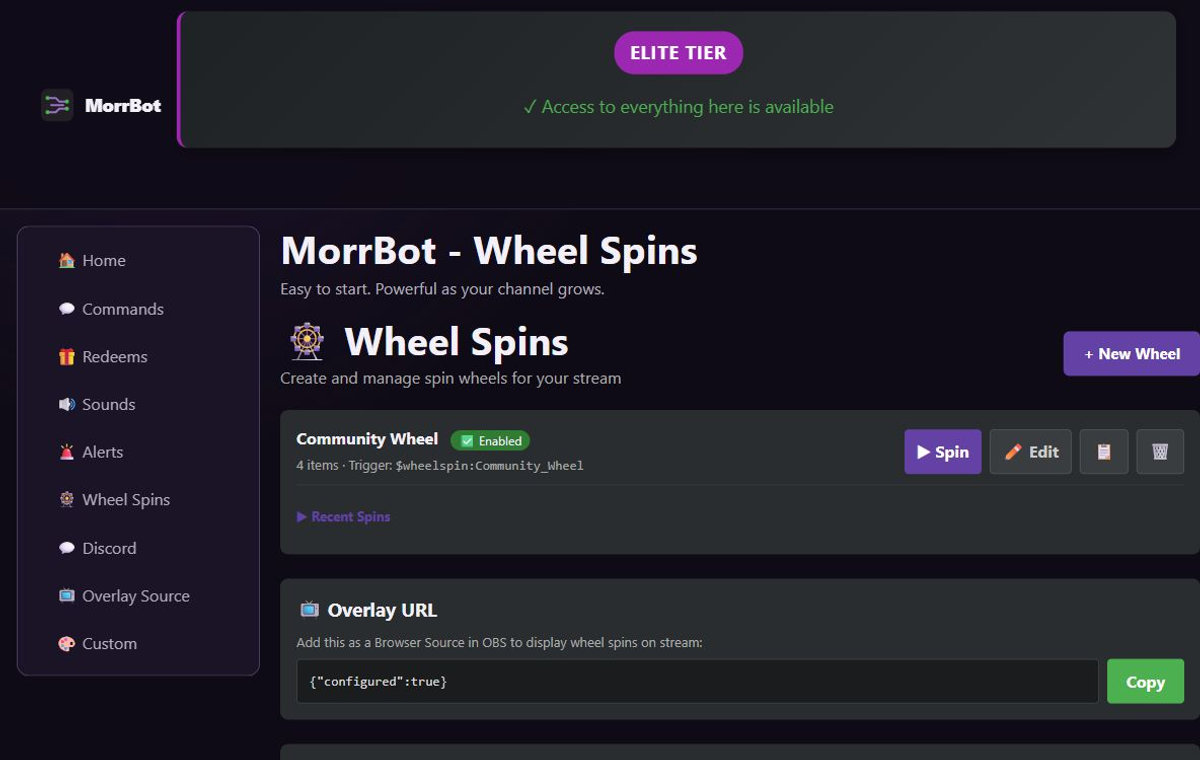
Setup sequence
- Write the wheel outcomes and remove anything unsafe or impossible during the stream.
- Configure the wheel and its visual duration.
- Add the MorrBot wheel browser source to a test scene.
- Create or select the Twitch channel-point reward.
- Map that durable reward to the wheel action.
- Test the overlay, sound, queue, and completion behavior.
For weighted outcomes, explain the idea to viewers even if you do not publish exact odds. Do not make a visually large slice secretly rare without a clear reason. If an outcome can expire—such as “choose the next game”—write the time window into the reward description.
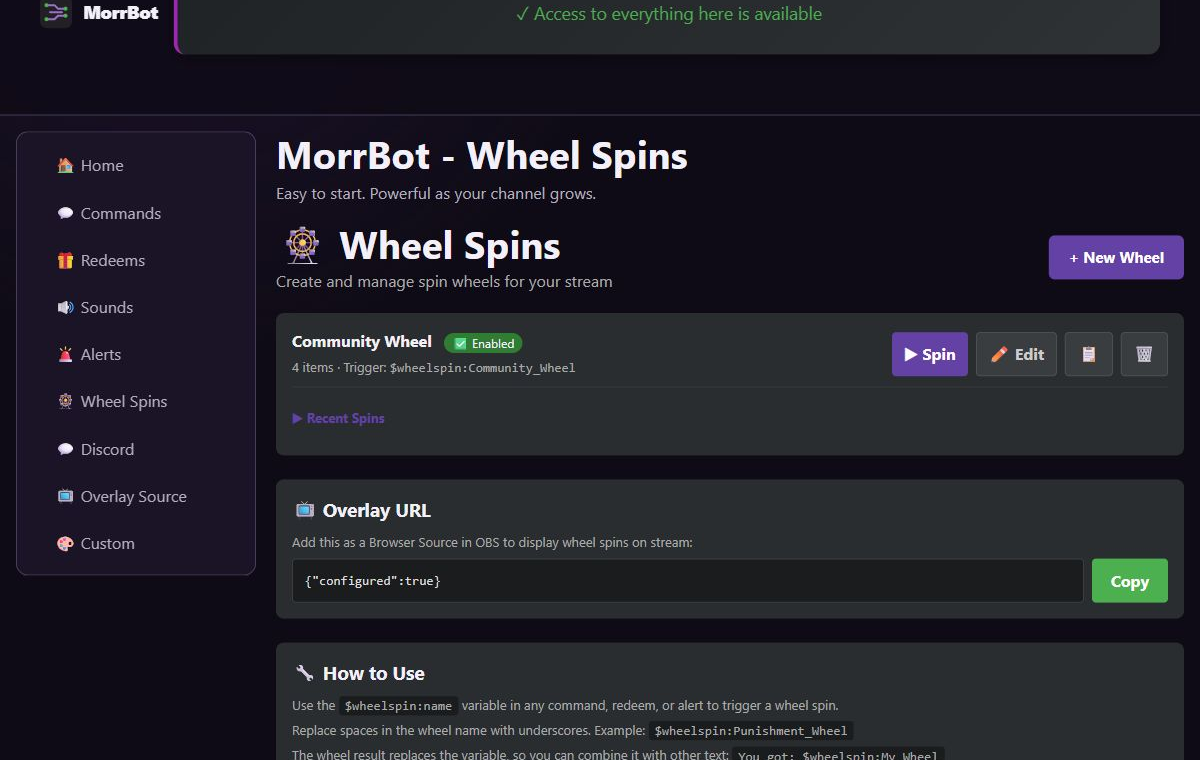
Plan for simultaneous redeems
Use queue behavior when every valid spin should be honored in order. Use a cooldown when the show cannot absorb another spin immediately. Expired or disconnected overlay clients should not leave the audience believing a spin completed; verify the visible result and keep a manual fallback for resolving points or replaying the action.
During a controlled live test, redeem once, switch scenes, and redeem again. This catches the common case where the browser source exists but is not present in the active production scene.
Limitations and when to choose another tool
MorrBot’s wheel is designed for Twitch reward and overlay workflows. Choose another tool if you need a physics-heavy custom game, a local hardware wheel, casino-grade probability auditing, or a bespoke graphical experience built in a game engine. Choose a simple random command instead of a wheel when the visual spin adds no audience value.