Connect Twitch
Authorize MorrBot once. It stays hosted and ready between streams.
For growing Twitch Affiliates
Start with one useful command, alert, redeem, or Discord notification. MorrBot is cloud-hosted, quick to learn, and ready for deeper automation when your channel needs it.
No download. No local software. Free tier available.
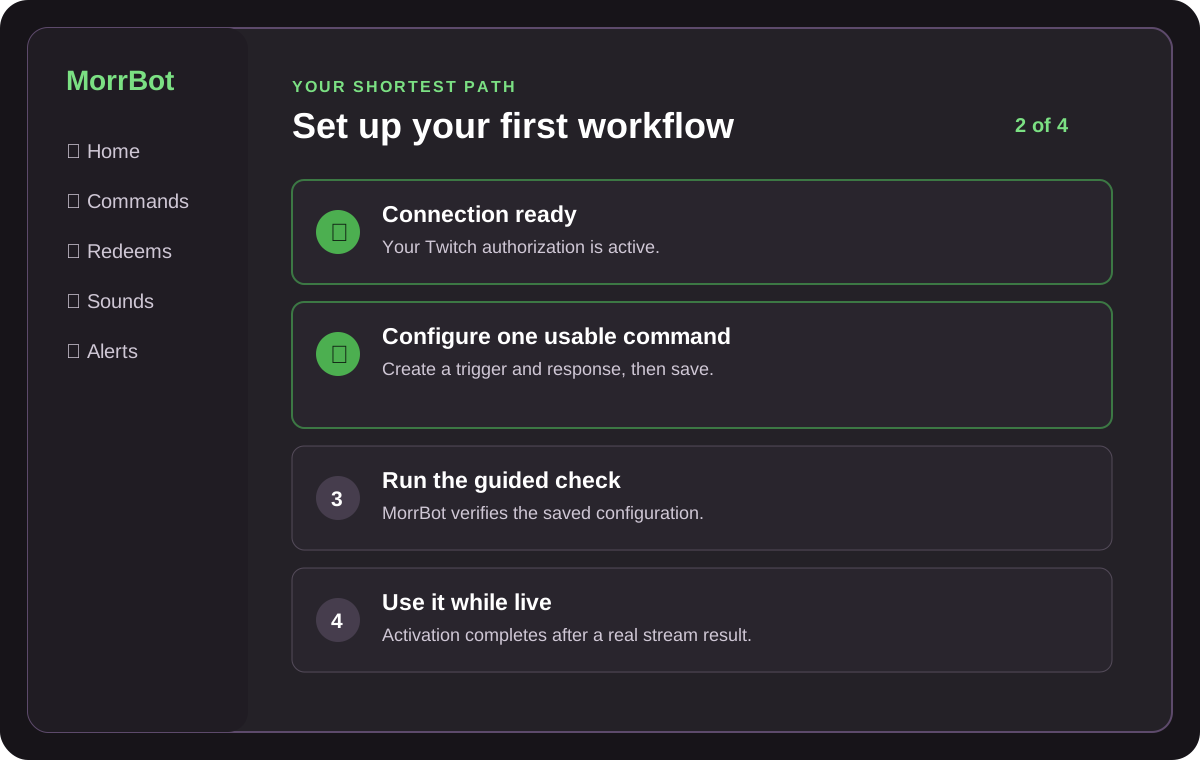
One clear first win
The Home checklist stays focused on your next useful action. MorrBot tracks progress when you save a setting or use a feature, so there are no boxes to tick yourself.
Authorize MorrBot once. It stays hosted and ready between streams.
Follow a short path for commands, alerts, redeems, or Discord.
MorrBot marks the step complete when the feature works on stream.
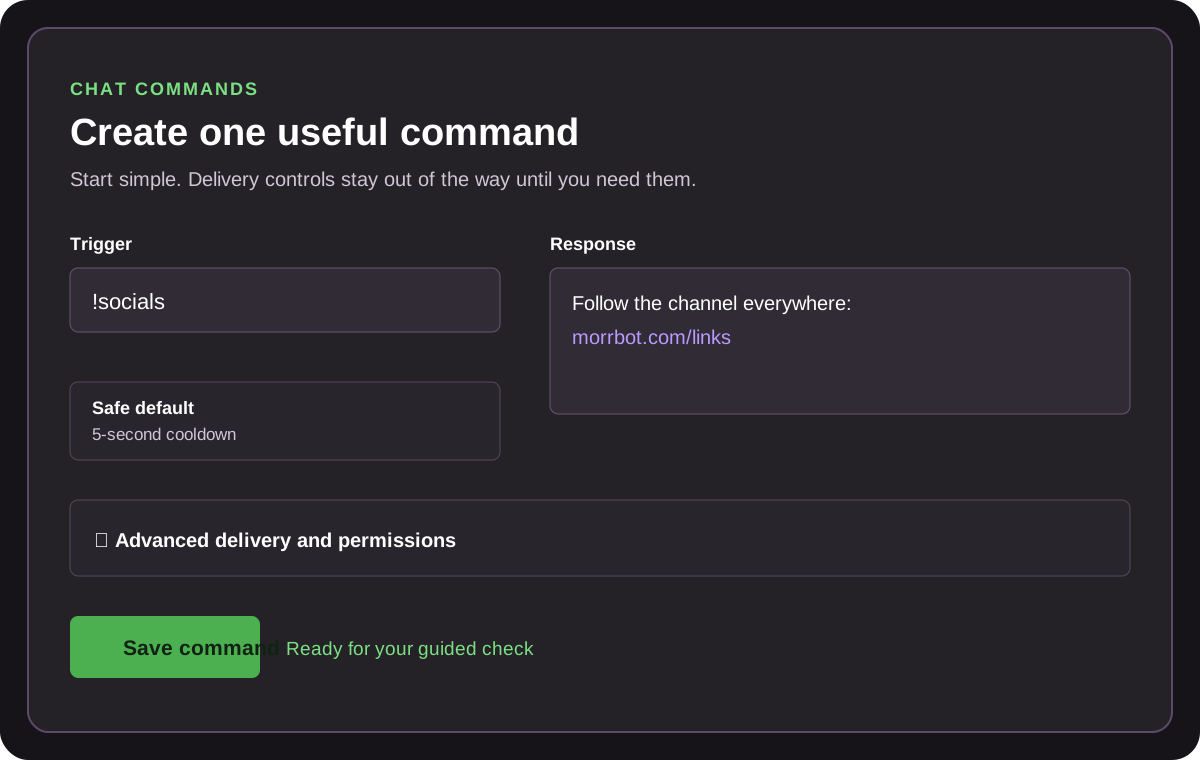
Easy first. Deep when ready.
Create commands with safe defaults, then open advanced permissions, cooldowns, delivery accounts, variables, and automation only when you need them.
Run sound and video alerts, connect channel-point redeems, add browser-source overlays, notify Discord, and post clips without keeping another app running on your stream PC.
Cloud-hosted
MorrBot’s dashboard and automation live in the cloud. As your show gets more ambitious, open advanced controls without rebuilding your bot stack.
Compare cloud-hosted and local bots →Used on real channels
Straightforward plans
See the main benefits here, or open the details when you need exact limits.
$0 forever
$5 /month
$20 /month
Beta access is separate from paid plans.
Send commands, alerts, and automated chat messages through a linked Twitch bot account instead of MorrBot.
Create prize wheels, edit weighted entries, spin from the dashboard, and trigger spins from chat commands or redeems.
Limit channel point redeems to selected Twitch categories or automatically disable them during specific games.
Free channels can post one own-channel live alert to Discord. Pro adds Clip-to-Discord and watched-streamer notifications for up to 10 broadcasters; Elite raises that to 50.
Support and reliability
Use concise setup and troubleshooting articles, ask the community in Discord, or contact support by email.
See current and historical checks on the canonical public status report. MorrBot does not hard-code an uptime claim.
View MorrBot status →Choose with context
Quick answers
No. MorrBot is cloud-hosted. You connect Twitch in the browser and add a browser source only for workflows that need an overlay.
Yes. The Free plan covers a useful starting stack, while Pro and Elite add capacity and advanced workflows as the channel grows.
No. It covers a broad Twitch automation stack, but a local automation tool may fit better when you need direct desktop control, hardware integration, or fully offline scripting.
Media processing limits
50-attempt/hour tier quota; up to 30 media-processing starts per rolling hour.
500-attempt/hour tier quota; up to 30 media-processing starts per rolling hour.