Guide
Cloud-Hosted vs Local Twitch Bots
Choose between always-on hosted convenience and direct desktop control based on the workflows your channel actually needs.
The difference is where the automation lives
A cloud-hosted Twitch bot runs on the provider’s infrastructure. It can answer chat, receive supported events, and trigger hosted integrations without your streaming PC running a bot process. A local bot runs on your computer and can often reach desktop applications, files, hotkeys, hardware, and streaming software more directly.
Neither model is automatically more powerful. The useful question is where the workflow must touch the world.
Choose hosted when operational simplicity matters
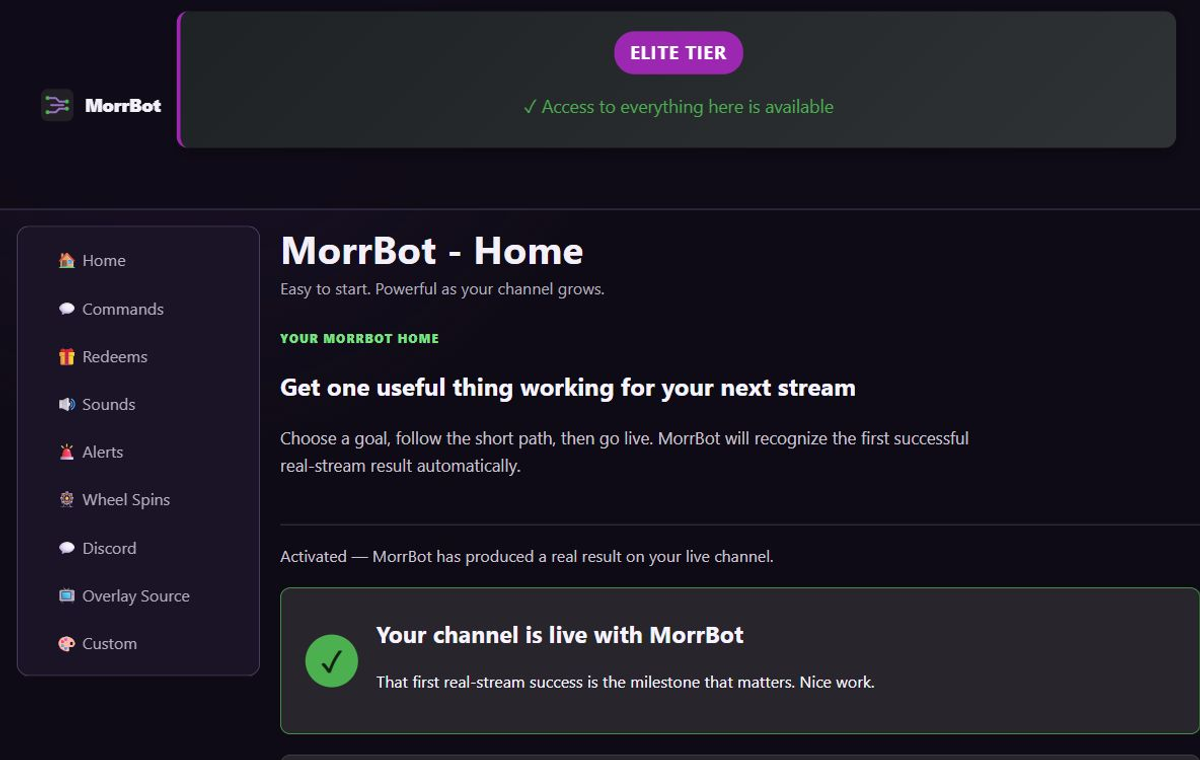
A hosted bot fits when you want setup from a browser, fewer local processes, consistent behavior across streaming PCs, and automation that can keep running while your desktop is busy. It is especially useful for chat commands, hosted alerts, channel-point workflows, overlays, Discord notifications, and community automations supported by the provider.
Hosted tools still depend on internet connectivity and the provider’s service. Check public status reporting, export or migration options, account security, and what happens when an integration authorization expires.
Choose local when the desktop is the product surface
A local tool fits when the event must control OBS scenes, audio applications, smart-home devices, MIDI, serial hardware, local files, game integrations, or custom scripts with low latency. It also gives technical users more freedom to build action graphs that a hosted product has not implemented.
The tradeoff is operational: the app must be installed, configured, updated, backed up, and running on the correct machine. Remote moderators may have less visibility, and a new streaming PC may require migration work.
A hybrid stack can be reasonable
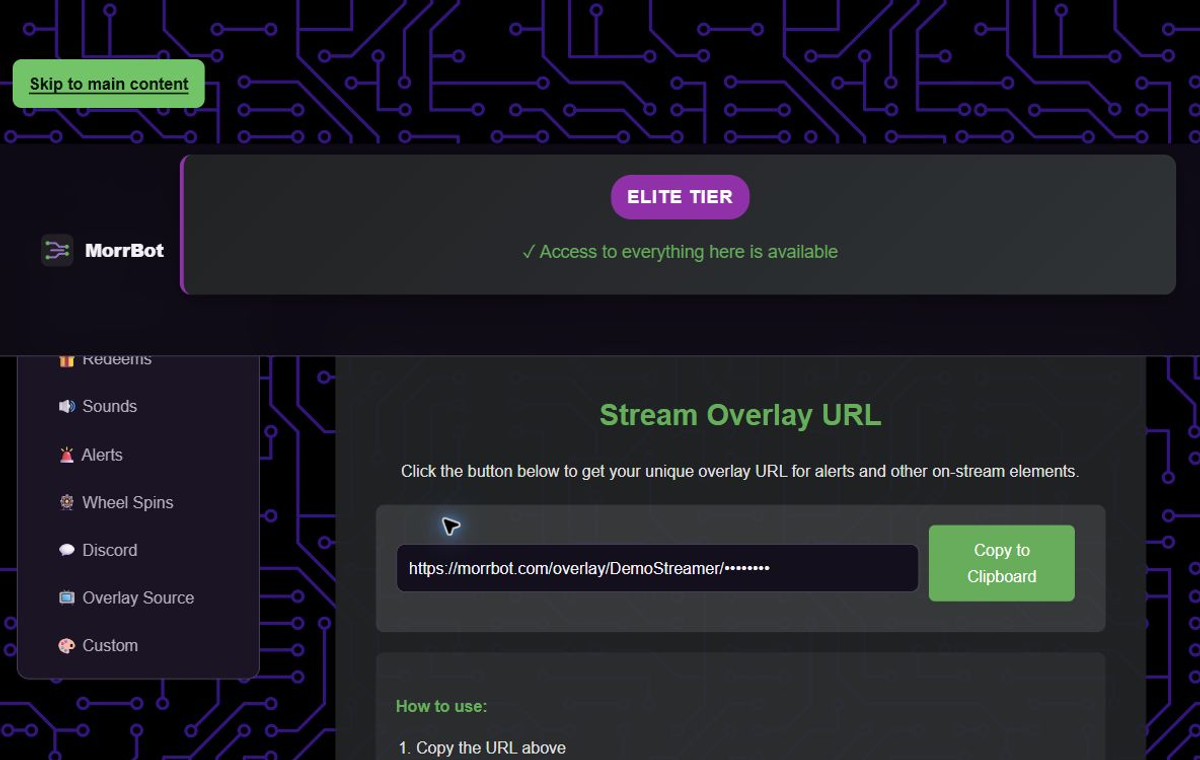
Use a hosted bot for community-facing chat, alerts, redeems, and Discord, then add a local automation tool for the few actions that genuinely touch the desktop. Define which tool owns each trigger so one event does not fire twice. Keep local secrets out of shared scene collections and document how to disable each side quickly.
Limitations and when to choose another tool
MorrBot is a cloud-hosted product, so this guide naturally emphasizes the convenience of hosted workflows. Choose another tool when local control, offline operation, custom code, or direct hardware integration is essential. Choose MorrBot when the priority is an approachable hosted stack that keeps growing without turning the streaming PC into an automation server.