Guide
Twitch Affiliate Bot Stack: Commands, Alerts, Redeems, and Discord
A minimal, connected Twitch Affiliate stack that covers chat, stream moments, channel points, and community follow-through.
The minimal connected stack
A growing Affiliate channel usually needs four connected jobs: answer chat consistently, make support and follows visible, turn channel points into controlled interactions, and carry important moments into Discord. You can launch those jobs incrementally while keeping one source of truth for setup and troubleshooting.
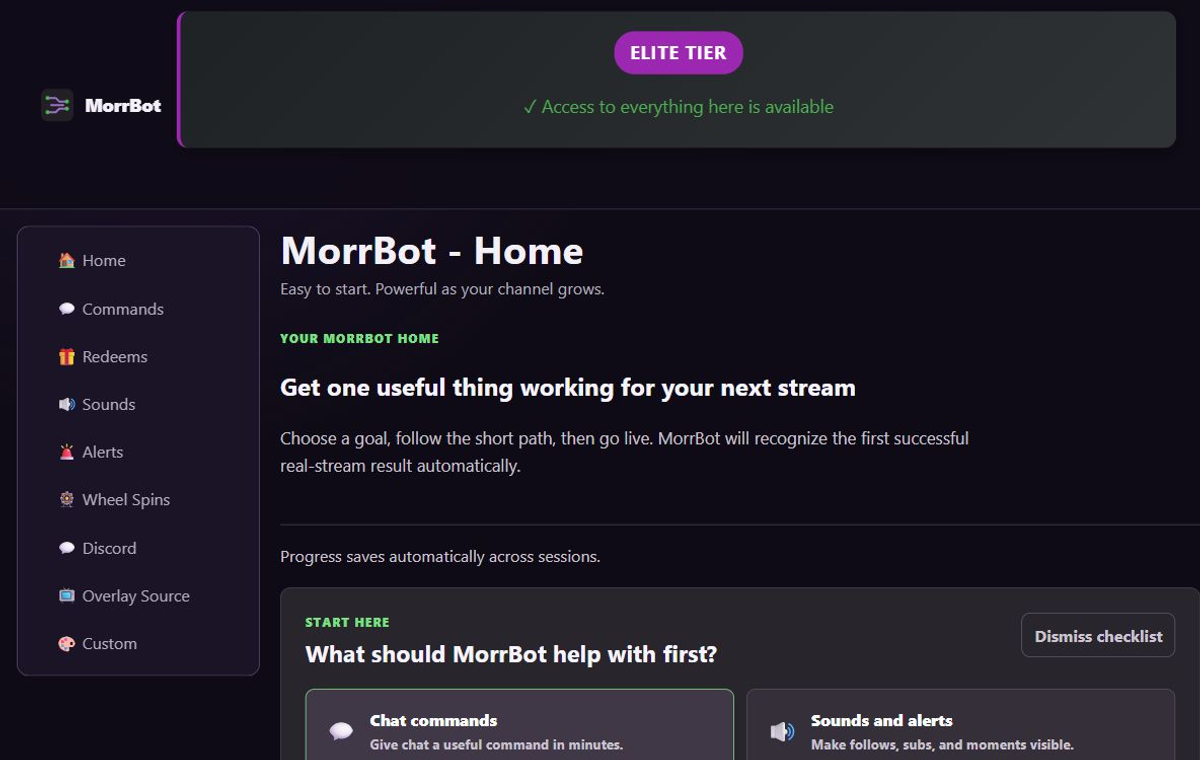
Layer 1: commands
Create commands for repeated questions, schedule or social links, and stream-specific help. Keep names memorable, responses short, and cooldowns long enough to avoid clutter. Do not duplicate commands already handled well by Twitch panels or a moderator macro.
Layer 2: alerts and browser sources
Add one MorrBot overlay browser source and test it in a private scene. Build a small alert vocabulary: routine events should be brief; higher-value or rarer moments can have more presence. Verify audio routing from the viewer’s mix, not only the streamer’s headphones.
Layer 3: channel-point redeems
Connect rewards to actions the streamer can reliably honor. Add costs, global cooldowns, and per-user controls based on live capacity. Use queues for interactions that should complete in order and disable game-specific actions when the game changes.
Layer 4: Discord follow-through
Send one useful live notification or clip workflow to a clearly named Discord channel. Avoid duplicating another integration. Confirm permissions and test a real outward post before announcing the feature.
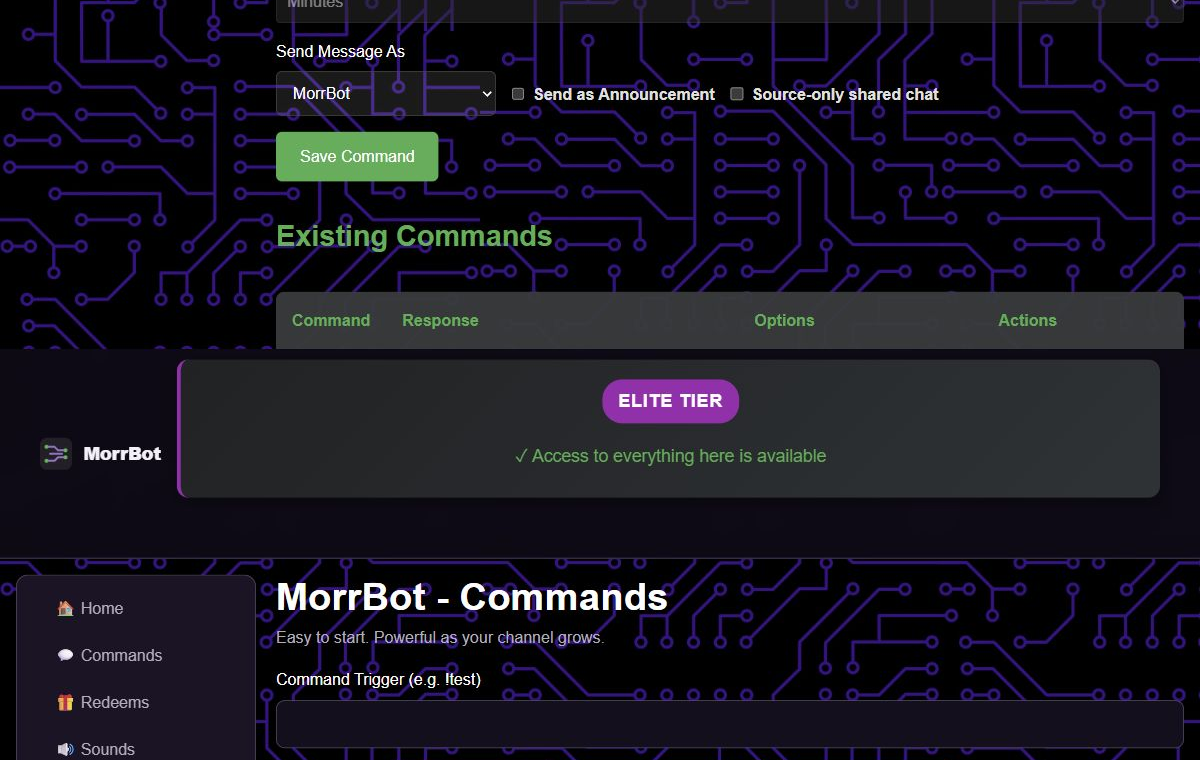
Operate the stack as one system
Keep a short pre-stream check: Twitch authorization, active scene browser source, alert volume, key redeems enabled, and Discord destination correct. Review the public status page only when a workflow appears broadly unavailable; configuration-specific failures should be checked in the relevant help article first.
Growth should add capacity, not confusion. Upgrade when you need a concrete Pro or Elite limit—more sounds, larger media, AI use, subathon depth, custom TTS, or expanded Discord watching—not because the feature table is long.
Limitations and when to choose another tool
MorrBot can centralize this hosted stack, but it is not the right owner for every local production action. Choose another tool for direct desktop control, hardware, deeply programmable scene automation, or a provider-specific monetization ecosystem. A hybrid setup is reasonable when ownership is explicit: one trigger, one primary tool, one documented fallback.