Guide
Twitch Affiliate Bot Setup Checklist
A launch-order checklist for commands, alerts, redeems, overlays, Discord, testing, and moderation as a channel reaches Affiliate.
Build the checklist around stream risk
Affiliate adds more reasons for viewers to interact: channel points, subscriptions, cheers, and a growing Discord. That does not mean every feature should launch together. Set up the highest-frequency, lowest-risk workflow first, then work toward media and community automation.
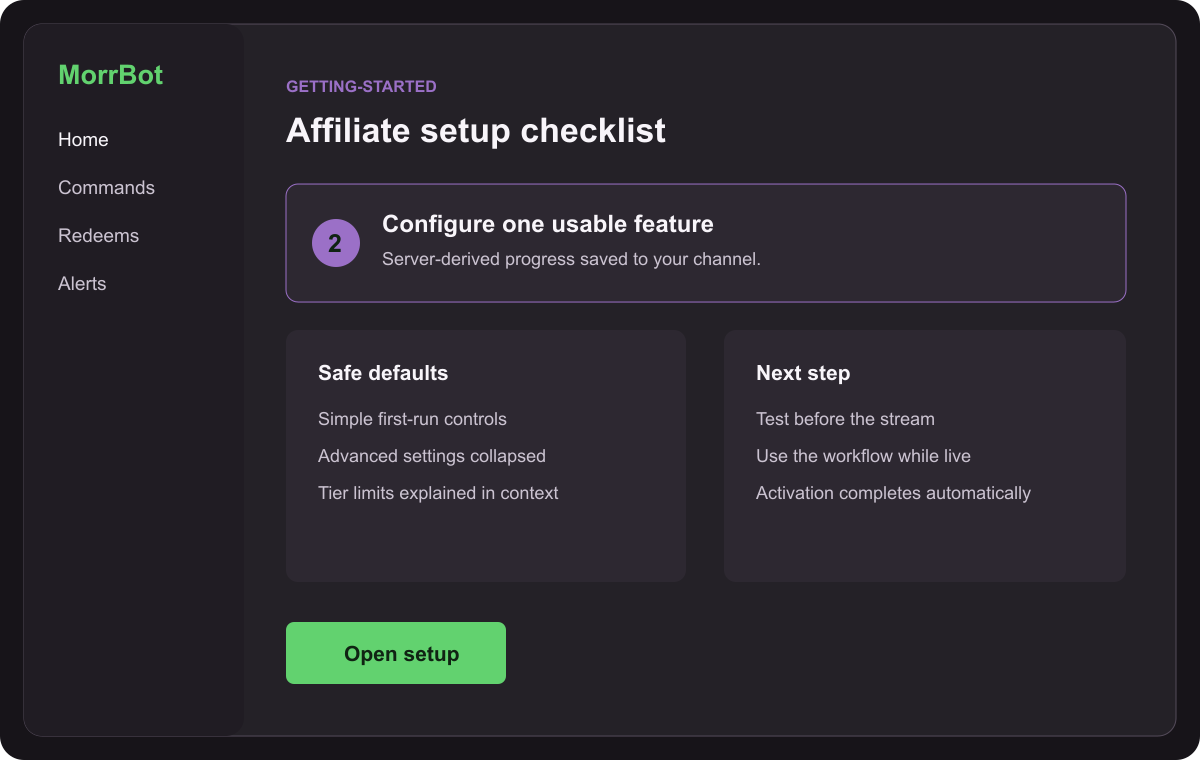
Before the first configured feature
- Connect Twitch and understand why each requested permission is needed.
- Confirm the bot can join and respond in the broadcaster’s channel.
- Save one moderator contact path outside the stream itself.
- Open the public status report and bookmark the help hub.
Core launch order
- Create a basic command for a repeated question or channel link.
- Add the MorrBot overlay browser source before configuring media.
- Test one follow or subscription alert at conservative volume.
- Connect one channel-point reward to a predictable action.
- Connect Discord and enable only one useful notification.
- Go live and verify each workflow in the scene where it will run.
Keep the advanced controls closed until the basic path works. Add cooldowns before promoting an interaction. Give every disruptive redeem an emergency off switch. Use a test scene for media and keep the production scene available if a source becomes noisy.
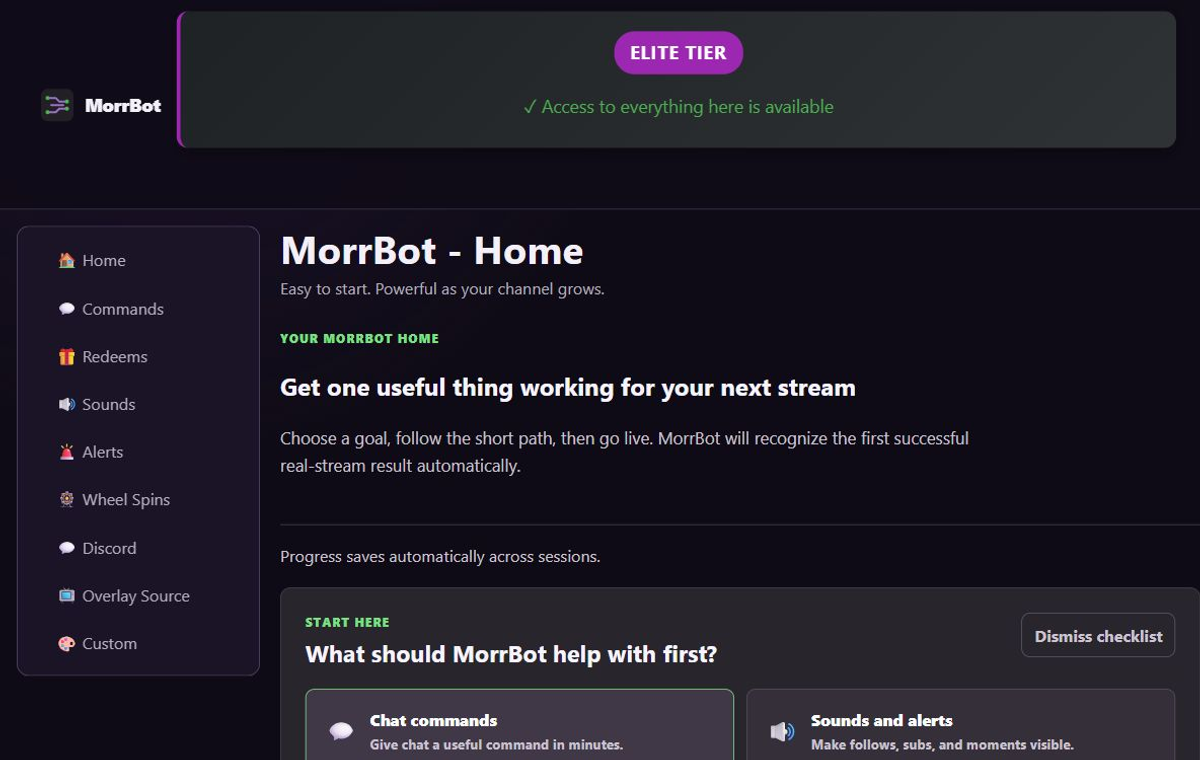
After the stack is stable
Review what viewers actually use. Remove duplicate commands. Adjust reward costs based on demand and the effort required to fulfill them. Separate Discord live alerts from clip posts if one channel becomes noisy. Add Pro or Elite capacity only when a specific limit or workflow is holding back the channel.
Record the “known good” configuration in screenshots or notes before making a major change. Stream-day troubleshooting is faster when you know what success looked like.
Limitations and when to choose another tool
This checklist prioritizes a hosted, integrated MorrBot setup. Choose another tool if your Affiliate strategy centers on a provider-specific tipping ecosystem, a local hardware workflow, a complex programmable desktop action graph, or moderation features outside MorrBot’s supported scope. Choose fewer tools—not more—when the current stack already covers the moments your viewers use.